Fixing those annoying heat swings in your SIG Blomax 4
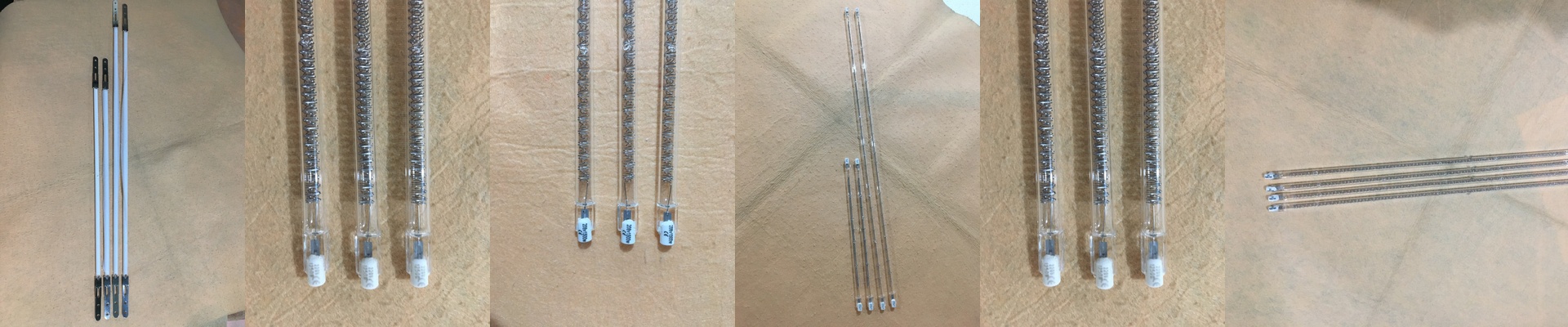
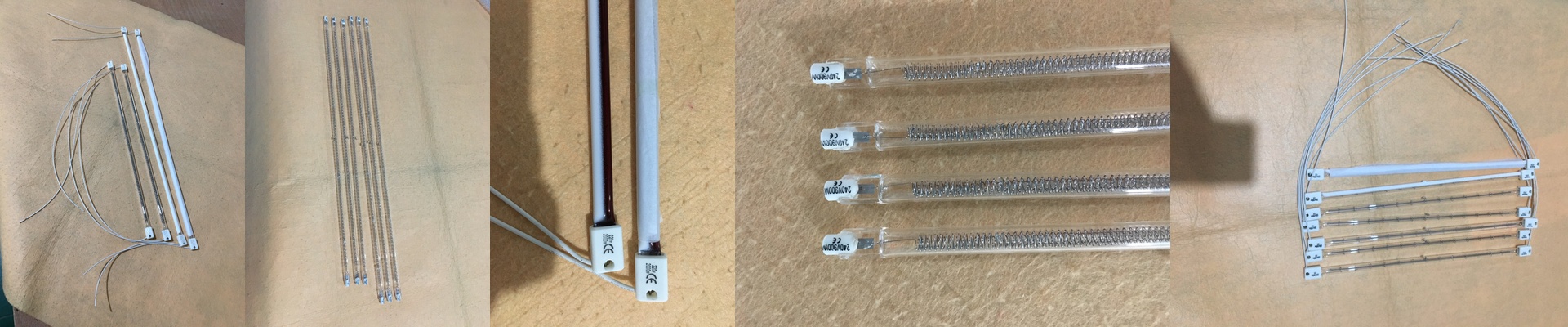
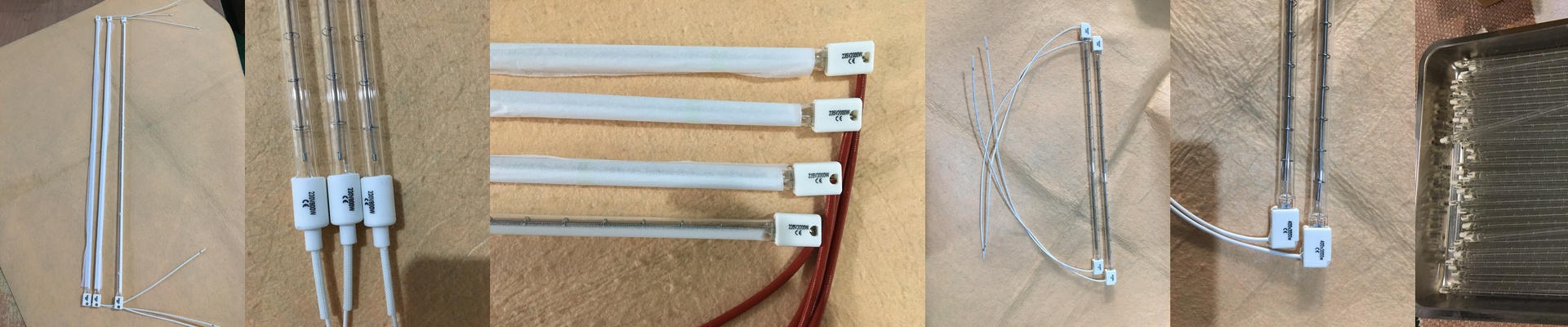
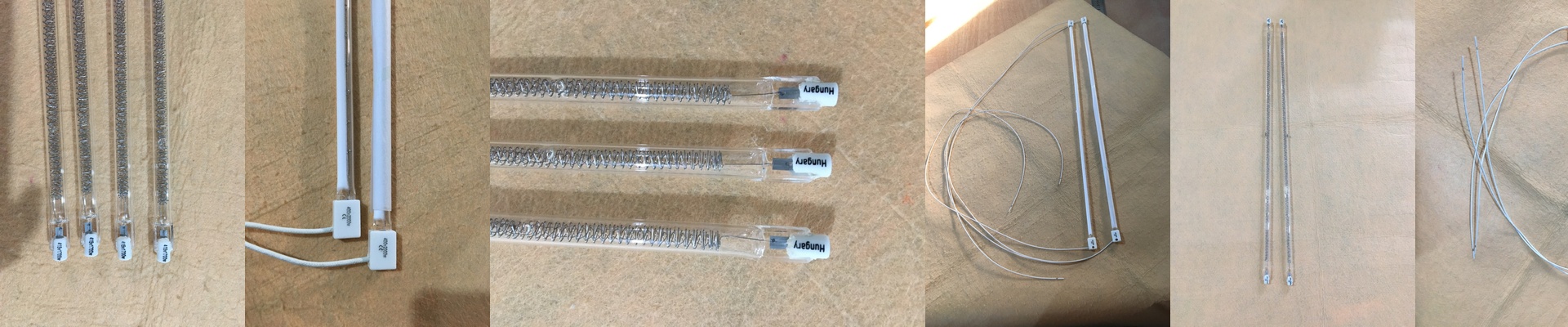
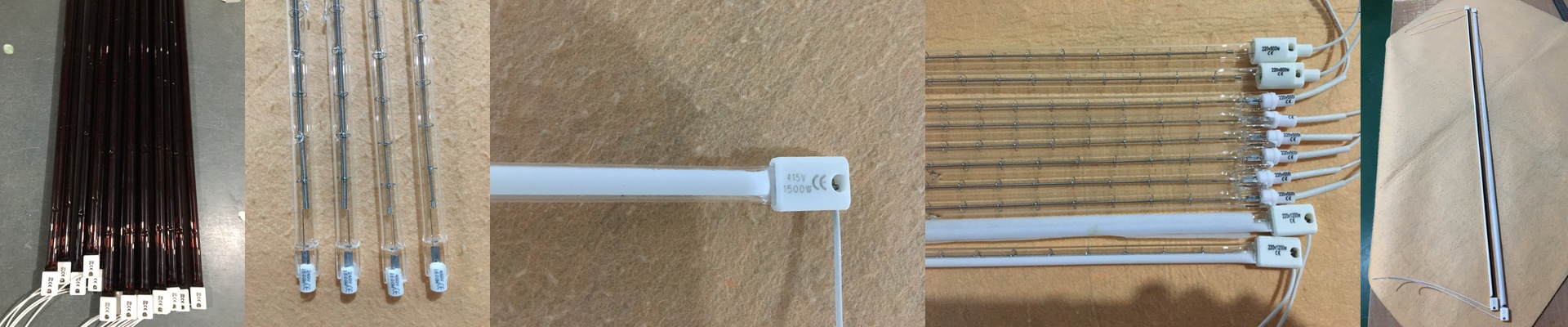
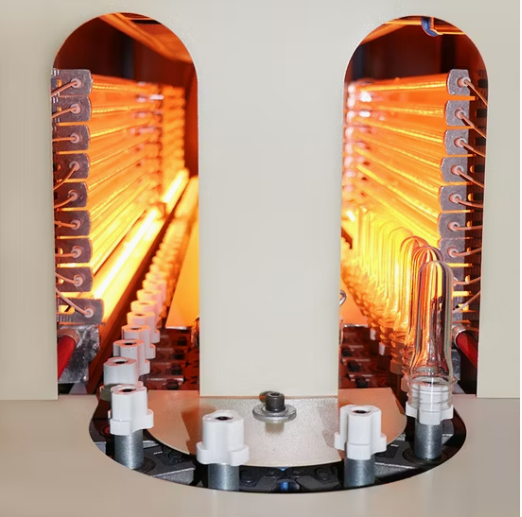
If you’re running a SIG Blomax 4 or a SIPA rotary blow molder, you know the headache. One minute everything is fine, and the next, your IR output drifts. Suddenly, you’re staring at bottles with uneven walls or that annoying pearlescent haze. It’s frustrating. The fix is simpler than it seems: your lamps need to actually match the machine. We build our replacements to hit the OEM power curves exactly. No guessing. No “close enough.” Getting the power right Here is the thing about wattage and voltage. If you swap in a lamp that’s almost right, you’ve just shifted the entire thermal profile of your oven. If the wattage is off, your preform just won’t hit the right temperature in the time it has. It’s that simple. We make sure the voltage drop across the filament is a perfect match for your transformer. This keeps the heat steady across every single lamp bank, so you aren’t fighting the machine all day. The gear under the hood We use high-purity quartz because these things take a beating with rapid heating and cooling. Depending on how old your machine is, we use R7s or Sk15 connectors. They’re drop-in replacements. You won’t be spending your afternoon messing with wiring or bending brackets to make things fit. Plus, we add a special coating to the quartz. It pushes the shortwave radiation straight into the PET instead of letting it soak into the machine frame. Less wasted heat, better results. Real talk from the shop floor These lamps pack a punch to keep your cycle times low. But a heads-up: when you swap out old, dimmed-out tubes for these, your oven’s ambient temperature is going to jump. You’ll probably need to tweak your cooling blowers so the preforms don’t overheat. And do yourself a favor—check your contacts for oxidation before you plug them in. It’ll save you from those nasty localized hotspots at the terminals.